How Web Design Affects Credibility: What You Need to Know
Web design shapes credibility in the first 50 milliseconds. Learn how visual design, Core Web Vitals, and accessibility build trust with visitors.
Web design affects credibility the moment a visitor lands on your page, often within the first 50 milliseconds of seeing it. The Stanford Web Credibility Project established that 46.1% of consumers rely on visual design cues when judging whether a website is trustworthy, with that number climbing to 54.6% for finance sites. That means nearly half your visitors are forming an opinion about your professionalism before they read a single word you've written. For coaches and digital marketers, this isn't a minor detail. It's the whole ballgame.
Credibility in web design is the industry term for this phenomenon, and it covers three distinct layers: visual appeal, technical performance, and accessibility. Get all three right, and your site becomes a trust-building machine. Miss even one, and you're quietly losing visitors who never tell you why they left.
How web design affects credibility through visual design
Your layout, typography, and color choices are doing a job you may not have assigned them. Surface design cues dominate early trust judgments, according to the Stanford Persuasive Technology Lab. Users aren't consciously analyzing your font stack. They're just getting a feeling, and that feeling is shaped by whether your design looks intentional and consistent.
Here's what actually moves the needle on visual credibility:
- Layout consistency. Pages that share the same grid, spacing, and navigation structure feel organized and professional. A site where each page looks like a different designer built it signals chaos, not expertise.
- Typography choices. Clean, readable fonts in appropriate sizes communicate that you respect your reader's time. Tiny body text or decorative fonts used for long paragraphs are red flags that erode trust fast.
- Color scheme coherence. Visual continuity reduces cognitive effort and strengthens brand familiarity. A consistent palette across every page tells visitors they're in the right place.
- Professional imagery. Stock photos that look generic undercut credibility. Properly licensed photography that matches your brand tone does the opposite.
The biggest visual credibility mistake coaches make is mismatching design style to their actual offer. A life coach with a corporate, cold-gray website sends mixed signals. A finance coach with a playful, cartoon-heavy layout does the same. Your design should feel like a natural extension of your brand voice.
Pro Tip: Before finalizing any design, ask someone unfamiliar with your brand to describe what they think you do based on your homepage alone. If their answer doesn't match your actual offer, your visual design is working against you.

Does web performance actually affect user trust?
Yes, and the data is more specific than most people realize. Core Web Vitals are Google's standardized metrics for measuring real-world user experience, and they cover three things: Largest Contentful Paint (LCP), Interaction to Next Paint (INP), and Cumulative Layout Shift (CLS). Each one has a direct connection to how trustworthy your site feels during use.
Here's a quick breakdown of what each metric measures and why it matters for credibility:
| Metric | What it measures | Credibility threshold |
|---|---|---|
| LCP (Largest Contentful Paint) | How fast the main content loads | Under 2.5 seconds |
| INP (Interaction to Next Paint) | How quickly the page responds to clicks | Under 200 milliseconds |
| CLS (Cumulative Layout Shift) | How much the layout jumps around during load | Score under 0.1 |
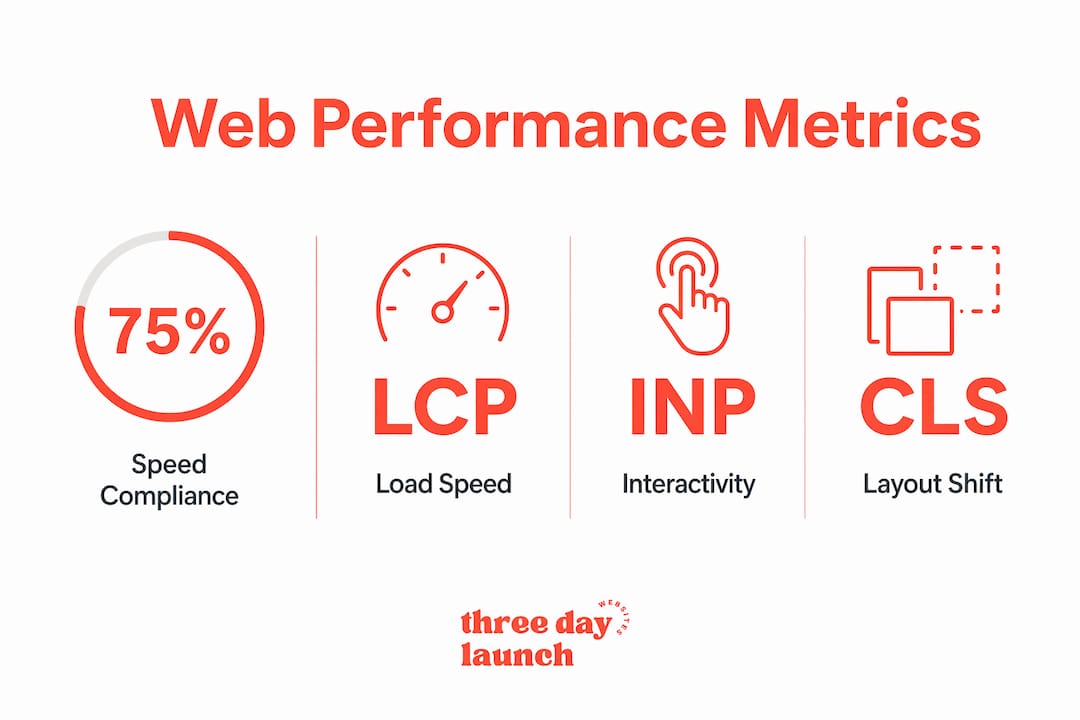
The 2025 Web Almanac from HTTP Archive found that 56% of mobile pages meet overall good Web Vitals standards. That means 44% of sites are actively eroding trust on mobile every single day. And layout shifts are a particular problem: roughly 20 to 30% of pages still fail the good CLS threshold, meaning buttons and text jump around as the page loads. Nothing says "amateur operation" quite like a page that rearranges itself while you're trying to click something.
Web performance improvements directly correlate with increased perceived trust and engagement. Speed isn't just a technical metric. It's a credibility signal that tells users your site is reliable and well-maintained.
Pro Tip: Use Google Search Console's Core Web Vitals report to identify which specific pages are failing. Secondary pages with complex features like booking widgets or embedded videos are often the worst offenders, and fixing them can recover trust you didn't know you were losing.
Why accessibility matters for credibility and how to achieve it
Accessibility is where credibility gets personal. A site that excludes users with visual impairments, motor limitations, or cognitive differences isn't just missing a legal checkbox. It's signaling to a significant portion of your audience that you didn't think about them. That's a credibility hit that no amount of beautiful typography can fix.
The good news is that the industry is moving in the right direction. The median Lighthouse Accessibility score improved to over 85% in 2025. The catch is that automated tools like Lighthouse detect only partial WCAG (Web Content Accessibility Guidelines) compliance. Real-world barriers that affect screen reader users or keyboard-only navigators often go undetected by automated audits alone.
Practical accessibility features that directly boost credibility include:
- Alt text on all images. Screen readers depend on this. Missing alt text signals a site that wasn't built with care.
- Sufficient color contrast. Text that's hard to read for users with low vision is hard to read for everyone in bright sunlight on a phone.
- Keyboard navigability. If a user can't tab through your menu and forms, you've locked out an entire group of potential clients.
- Clear, descriptive link text. "Click here" tells no one anything. "Book a free discovery call" tells everyone exactly what happens next.
Ignoring mobile responsiveness and accessibility now affects both SEO rankings and user trust, making it a double liability for any site owner who skips it.
Pro Tip: Run your site through Lighthouse for a baseline score, then test it manually with a screen reader like NVDA (free for Windows) or VoiceOver (built into Mac and iOS). You'll catch issues that automated tools miss every time.
Common web design mistakes that damage credibility
Most credibility damage is self-inflicted, and the fixes are often simpler than you'd expect. Here are the most common mistakes that quietly cost you trust:
-
Typographical errors and outdated content. The Stanford Web Credibility Project specifically flags typos, broken links, and poor contact information as credibility killers. A coaching site with a copyright date from three years ago tells visitors you've moved on.
-
Slow load times on secondary pages. Your homepage might be fast, but secondary pages with complex features often load slower due to scripts and widgets. A visitor who clicks to your services page and waits five seconds is already reconsidering.
-
Intrusive pop-ups and overwhelming ads. Pop-ups that appear before a user has read a single sentence signal desperation, not authority. They interrupt the trust-building process before it even starts.
Let's Launch Your Strategic Coaching Website
Your first step is to book a free call so we can get your questions answered.
Book A Free Call-
Inconsistent styling across pages. If your about page looks like it belongs to a different website, users notice. Inconsistency reads as disorganization, and disorganization reads as unreliable.
-
No mobile responsiveness. A site that requires pinching and zooming on a phone in 2026 is not a site that earns trust. Mobile-first indexing means Google has already noticed too.
Pro Tip: Do a five-minute credibility audit monthly. Check three random pages on your site for broken links, outdated dates, and mobile display. Small issues compound fast, and catching them early costs almost nothing.
Key takeaways
Web design affects credibility through three compounding layers: visual design shapes the first impression, technical performance sustains trust during interaction, and accessibility determines whether your site is credible to all users.
| Point | Details |
|---|---|
| Visual design drives first impressions | 46.1% of users judge credibility by layout and typography before reading content. |
| Core Web Vitals signal reliability | Pages meeting LCP, INP, and CLS thresholds feel faster and more trustworthy to real users. |
| Accessibility expands credibility | Inclusive design verified by manual testing reaches user groups that automated tools miss. |
| Common mistakes compound quietly | Typos, slow secondary pages, and inconsistent styling erode trust in ways owners rarely track. |
| Performance gaps hurt beyond the homepage | Secondary pages with widgets and scripts often fail Web Vitals and damage ongoing trust. |
What I've learned building credible sites fast
Here's the thing most web design conversations get wrong: they treat visual design and technical performance as separate problems. In practice, they're the same problem viewed from different angles. A site can look stunning in a mockup and still fail on mobile because no one tested the actual load sequence. A site can pass every Core Web Vitals threshold and still feel untrustworthy because the color palette screams 2014.
At Three Day Launch, we've built websites for coaches across life, finance, and health coaching, and the pattern is consistent. The coaches who see real results from organic traffic aren't the ones with the fanciest animations. They're the ones whose sites load fast, look intentional, and make it obvious within three seconds what they offer and who they serve.
The accessibility piece is where I'd push back on conventional wisdom the hardest. Most coaches treat it as a compliance checkbox. We treat it as a design quality signal. When a site is built accessibly from the start, it's almost always better designed overall. The discipline required to write clear link text, maintain color contrast, and structure content logically produces a site that every user finds easier to navigate, not just users with disabilities.
The alignment between design and personal brand is what ties all three layers together. When your visual choices, your performance, and your accessibility all point in the same direction, credibility stops being something you have to argue for. It becomes something visitors feel before they've consciously decided anything.
— Three Day Launch
Ready to build a site that earns trust from day one?
Your website is your storefront and your handshake. If it's slow, inconsistent, or hard to navigate, potential clients are walking away before you get a chance to show them what you do. Three Day Launch builds custom coaching websites that are designed to look professional, load fast, and convert visitors into clients, all in just three days.

We don't use templates that make every coach look the same. Every site we build is tailored to your brand, your audience, and your goals. If you're ready to stop losing clients to a website that doesn't represent you well, we'd love to show you what's possible. Explore website features that convert and see how the right design decisions make the difference.
FAQ
How quickly do users judge website credibility?
Users form credibility judgments within the first 50 milliseconds of seeing a website, primarily based on visual design cues like layout, color, and typography before reading any content.
What percentage of credibility judgments are based on design?
The Stanford Web Credibility Project found that 46.1% of consumers rely on visual design when assessing credibility, rising to 54.6% for finance websites.
What are Core Web Vitals and why do they matter for trust?
Core Web Vitals are Google's metrics for loading speed (LCP), interactivity (INP), and layout stability (CLS). Sites that meet these thresholds feel more reliable and professional to users, directly supporting perceived credibility.
Can accessibility really affect how credible my site seems?
Yes. A site that excludes users with disabilities signals a lack of care in its design. Accessible sites built with clear structure, sufficient contrast, and keyboard navigation consistently feel more professional and trustworthy to all users.
What is the single fastest fix for improving website credibility?
Fix typographical errors, update outdated dates, and repair broken links. The Stanford Web Credibility Project identifies these as among the most damaging credibility signals, and they can be corrected in under an hour.